The first three weeks of every Flutter project, already built.
Feature-first architecture, typed networking, five UI states, design tokens and CI — wired together, then actually run on iOS, Android and the web. Not a folder structure with a README. The version you end up writing anyway, three weeks in.
analyze 0 issues · test 10/10 · iOS 26.3 / Android 16 / Web
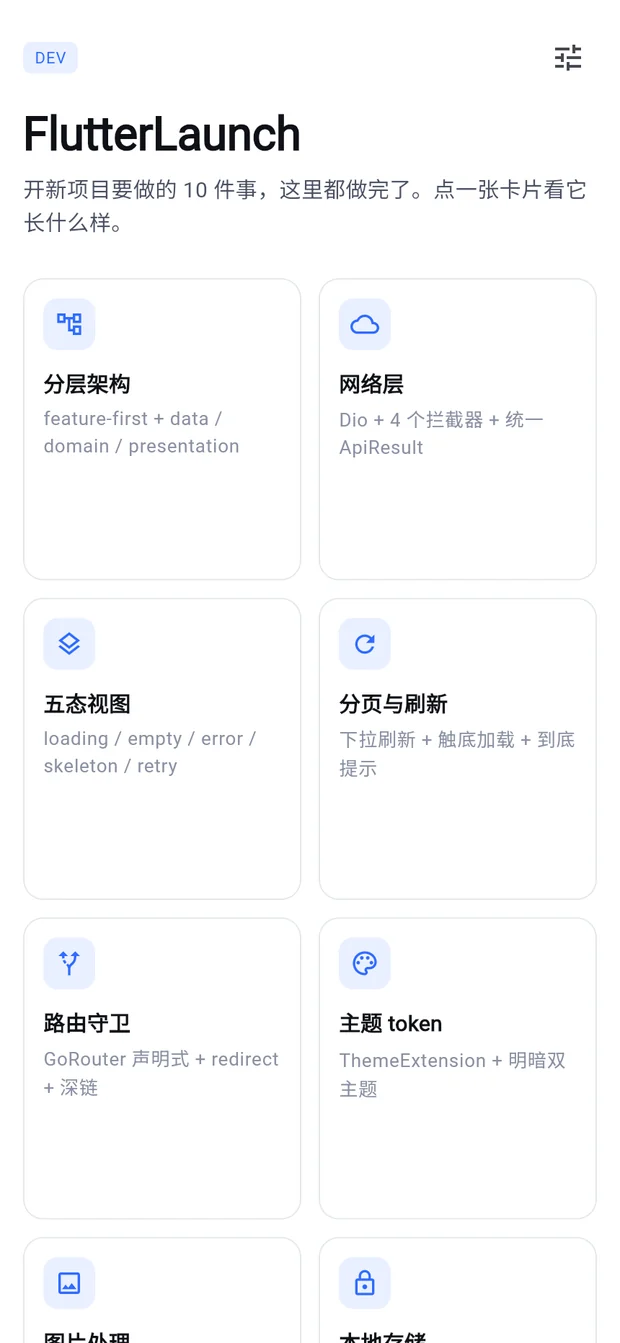
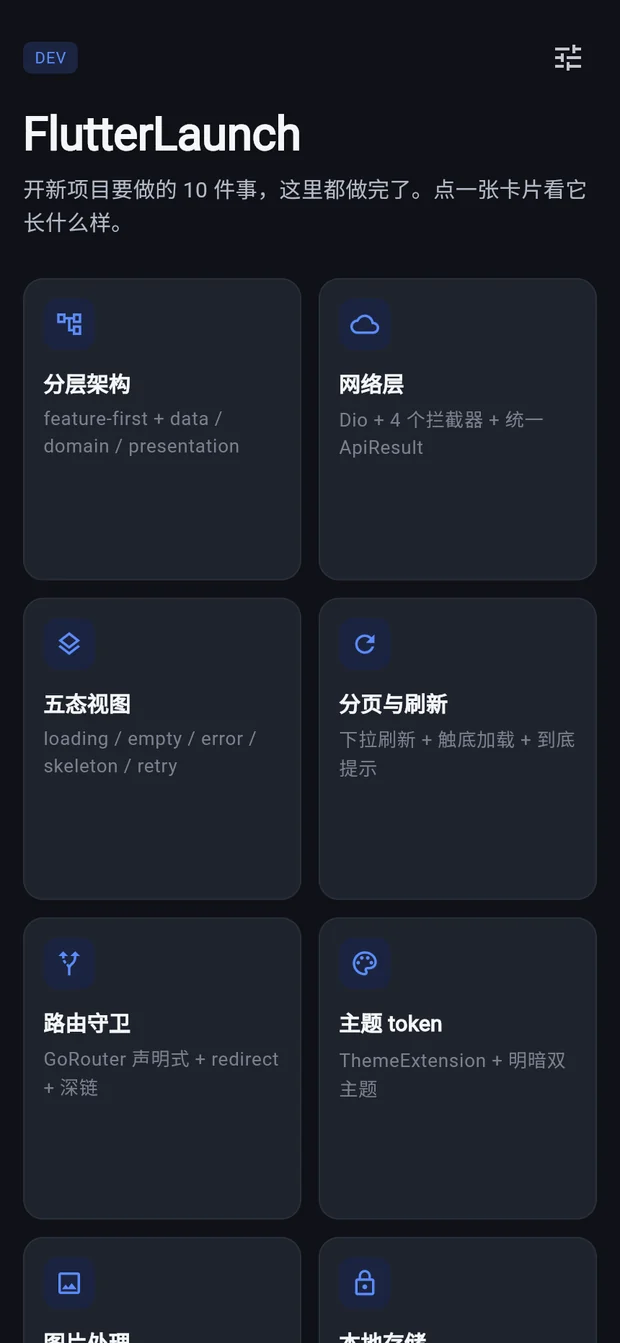
Ten things every project rebuilds. Already done.
Each one is the version you arrive at after shipping a few apps — not the tutorial version.
Layered architecture
features/<name>/{data,domain,presentation}. Dependencies point one way: features to core and shared.
Networking
Dio plus auth, logging, retry and error interceptors. A sealed ApiResult<T> so exceptions never reach a widget.
Five UI states
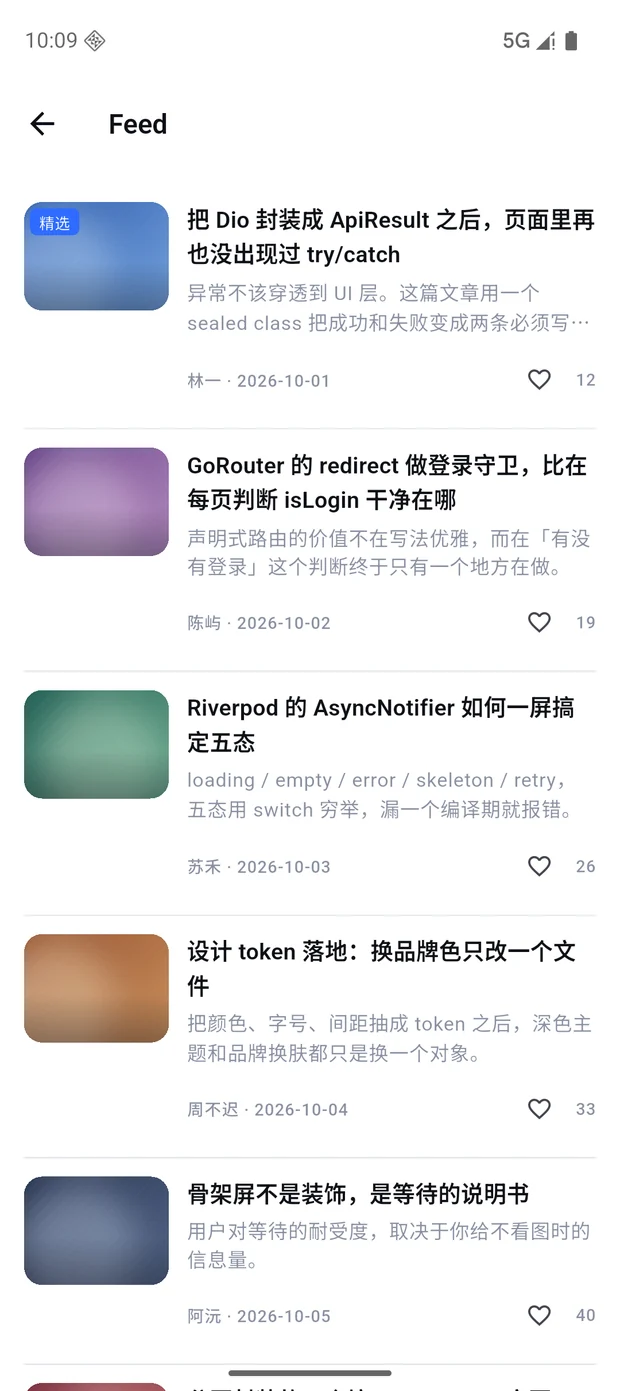
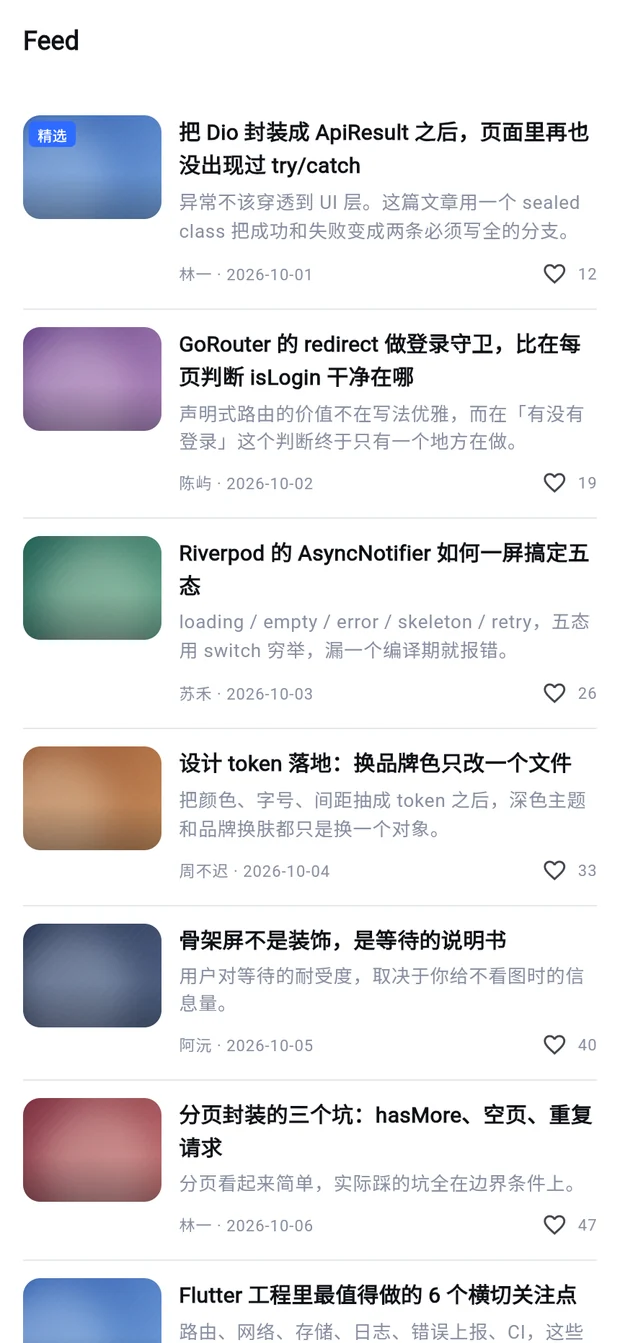
loading, empty, error, skeleton and retry as a sealed class, dispatched by one widget. Add a state and the compiler lists every call site.
Pagination
Pull-to-refresh, infinite scroll, end-of-list hint. First-page and load-more states never interfere.
Routing
GoRouter with a single redirect guard. One place answers "is the user logged in", and login returns to where you came from.
Design tokens
ThemeExtension for color, type and spacing. Light and dark are separate designs, not the same one dimmed.
Images
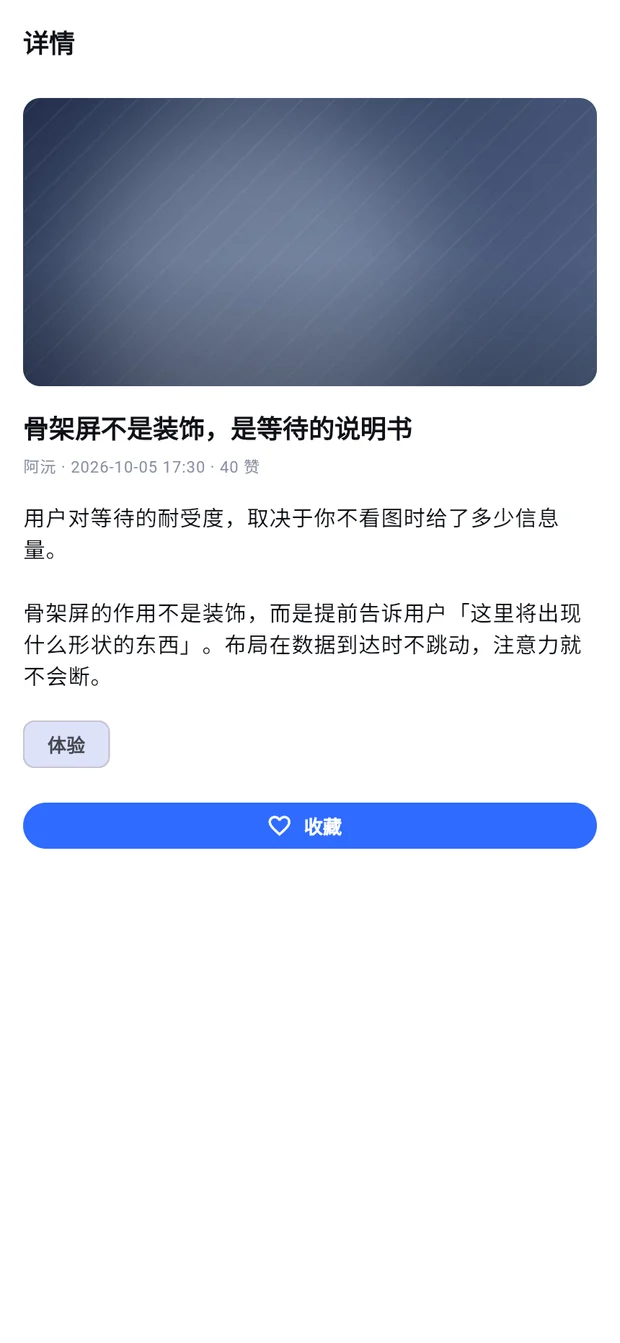
One widget for caching, placeholder, error, radius and fit — and it takes local assets too, so demos work offline.
Storage
Secure storage for tokens, preferences for everything else. Web degrades instead of throwing.
Errors and logging
A global error boundary, a four-level logger, and one ErrorReporter seam for Sentry or your own endpoint.
CI
GitHub Actions for analyze and test on pull requests, dual-platform build on tag. Makefile for local parity.
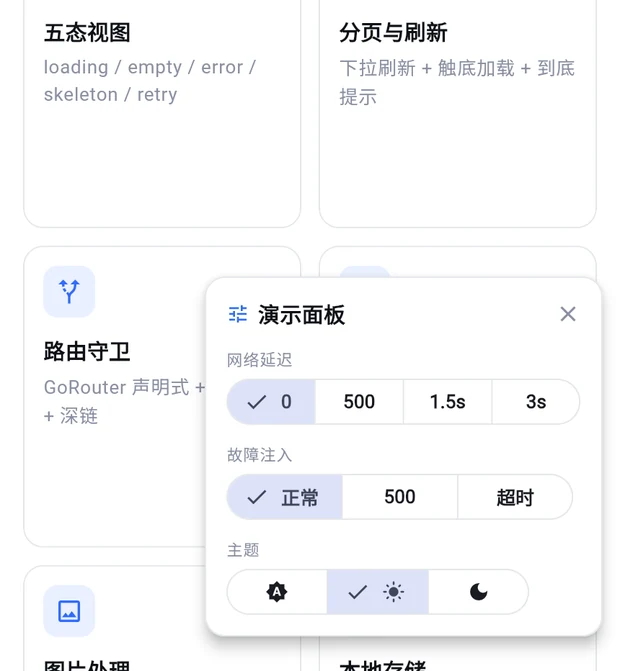
Demo failure without editing code
A panel that injects latency, forces 500s and timeouts, and switches themes at runtime. You can record the whole "slow, then failed, then retried successfully" story in twenty seconds — which is exactly the part of your app nobody ever demos, because staging it used to mean editing code and reverting it.
- Latency: 0, 500ms, 1.5s, 3s
- Failure injection: none, 500, timeout
- Theme switching without restarting
- The same states are reachable by URL on web, for screenshot jobs
Preflight check that catches release-build bugs
flutter analyze and flutter test both pass on a project that
will still ship a release build with no network access. Static analysis cannot see
that. A script can.
- Checks the failures that only appear in release builds
- Prints a human checklist for what it cannot judge
- Drops into CI as a gate before your build job
$ ./tools/preflight.sh

  PASS  network permission in main manifest
  PASS  no Swift Package Manager residue
  PASS  no hard-coded external image URLs
  PASS  image widget has error handling
  WARN  release signed with debug keys
  PASS  flutter analyze
  PASS  flutter test (10 cases)

通过 10   警告 1   失败 0
Run it, don't take our word for it
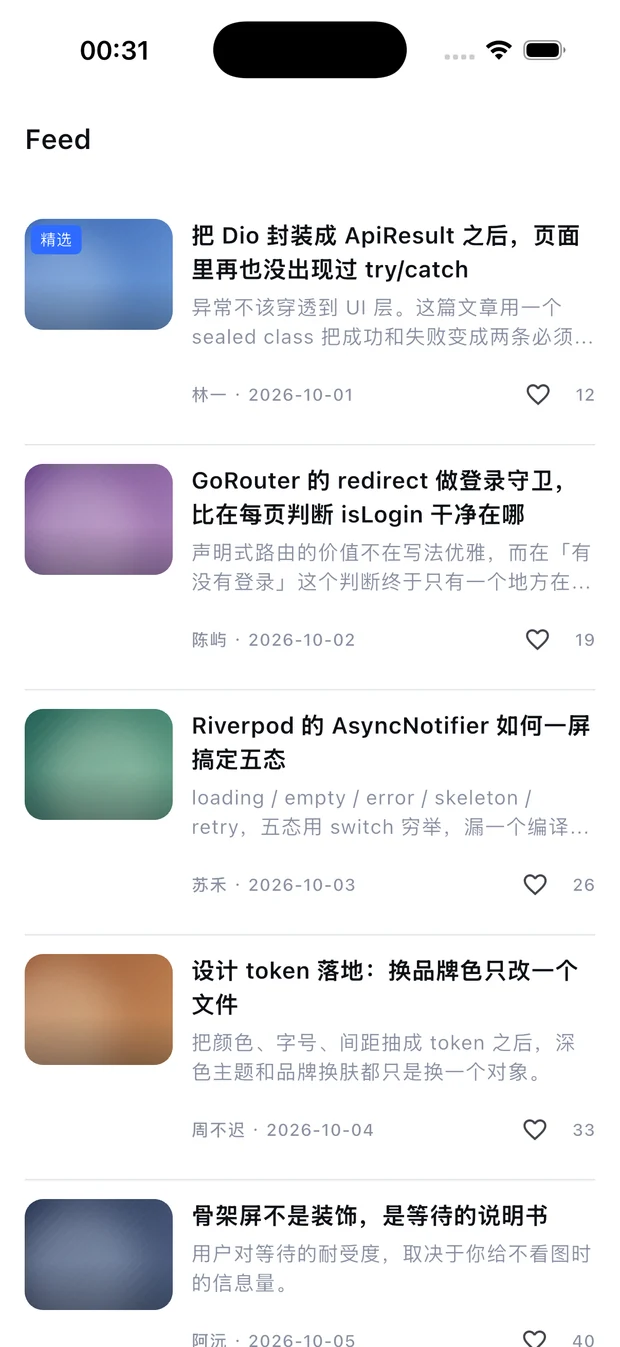
Same Dart code on three platforms. Every screen below ships as a screenshot inside the package.
Pricing
One-time purchase. No subscription, no per-project fee, no license server.
For one developer, unlimited projects.
- Full source, all platforms
- Unlimited personal and commercial apps
- Client work included
- 6 months of updates and support
Up to five developers under one license.
- Everything in single developer
- 5 seats
- 6 months of updates and support
Questions
Is this a UI kit?
No. It is architecture and wiring. The six demo screens exist to prove the layers work — you will replace them with your own product. If you want a widget library, this is the wrong purchase.
Is $19 the final price?
$19 is the launch price for the first 100 sales; after that it goes to $39. If you buy during launch you keep the license and the six months of updates regardless of what the price becomes later.
Do I need a backend to run it?
No. Demo data comes from one mock interceptor and the images are bundled, so the app runs with no network at all. Set USE_MOCK_API=false and a base URL when you have a real API.
Which platforms are verified?
Built, launched and screenshotted on iOS 26.3 (iPhone 17 Pro), Android 16 (Pixel 10, API 36) and Chrome. The screenshots ship inside the package.
Can I use it for client work?
Yes, unlimited. What you may not do is resell or republish the kit itself as a template. The restriction applies to the kit, not to what you build with it.
How many native plugins does it pull in?
Three, all mainstream: shared_preferences, flutter_secure_storage, and sqflite (which arrives via cached_network_image). No Firebase, no analytics, no ad SDKs, nothing to fight during review.
What if Flutter changes?
Updates are included for six months. The project pins Flutter 3.47 and locks dependencies with pubspec.lock, so a clean clone builds the same way it did when it shipped.
Refunds?
30 days, no questions asked. Email yummyDami@gmail.com.